Public Speaking
Tutor notes
Public speaking is one of the most commonly reported fears in the world. But it doesn’t have to be: good preparation helps to build confidence and turn an ordeal into a moment to shine.
This roleplay allows learners to practise speaking to an audience and taking their questions in a safe virtual environment. It can be customised to suit any kind of public speaking format, from giving speeches to delivering presentations and pitching ideas. Optionally, the speech can be followed up with a question-and-answer session, powered by AI analysis of the user’s presentation.
You can customise the environment, duration, assessment criteria and more – read on for a full overview of your customisation options.
About this resource
Key learner outcome and goals
Learning outcome
Practise your public speaking to build confidence and competence.
Learning goals
Specific learning goals depend on your customisation.
Disclaimer about AI
This roleplay simulator uses an LLM (large language model) to generate the virtual character’s responses, guide the direction of the conversation, and write personalised feedback for the learner. While we have designed the prompts around the learning outcomes and goals of this simulator, and with strict conversation boundaries that prevent unintended or inappropriate use, please be aware of the following limitations:
Due to the large nature of its dataset, the LLM is prone to ‘hallucinate’, meaning it may generate information that appears factual but is incorrect, misleading, or entirely fabricated.
It is impossible to predict everything that users may feed into the customisation fields and everything that they may say in the conversation. Therefore, unintended or misguided uses of the conversation customisation, deliberate attempts to manipulate the system, and repeatedly unpredictable answers from the learner may cause unanticipated outputs from the LLM that are beyond our control.
In short, please be aware that we cannot guarantee all AI-generated content will be accurate, appropriate, or aligned with educational objectives in all circumstances.
We appreciate any feedback about the performance of our simulators. We work hard to design and improve our LLM-based roleplays to give you a personalised, yet safe and impactful learning experience.
Characters
Environments
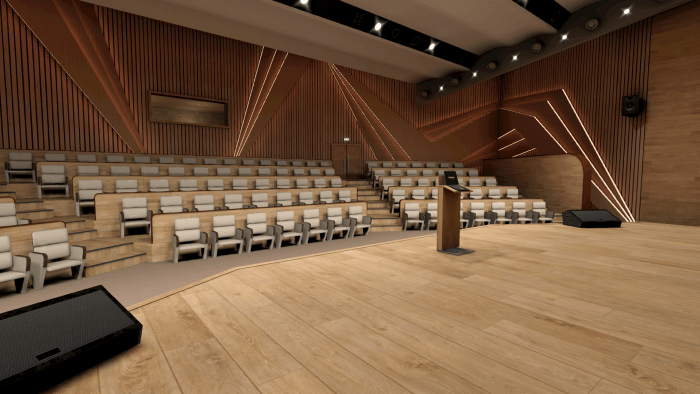
Auditorium
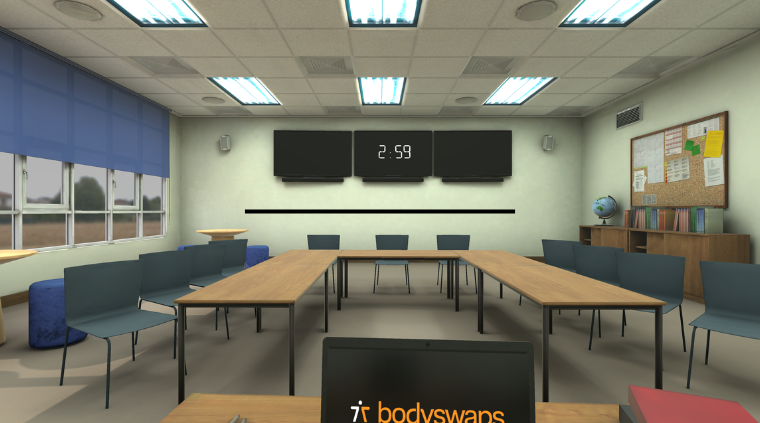
Classroom
A classroom, ideal for delivering a presentation or a lesson.
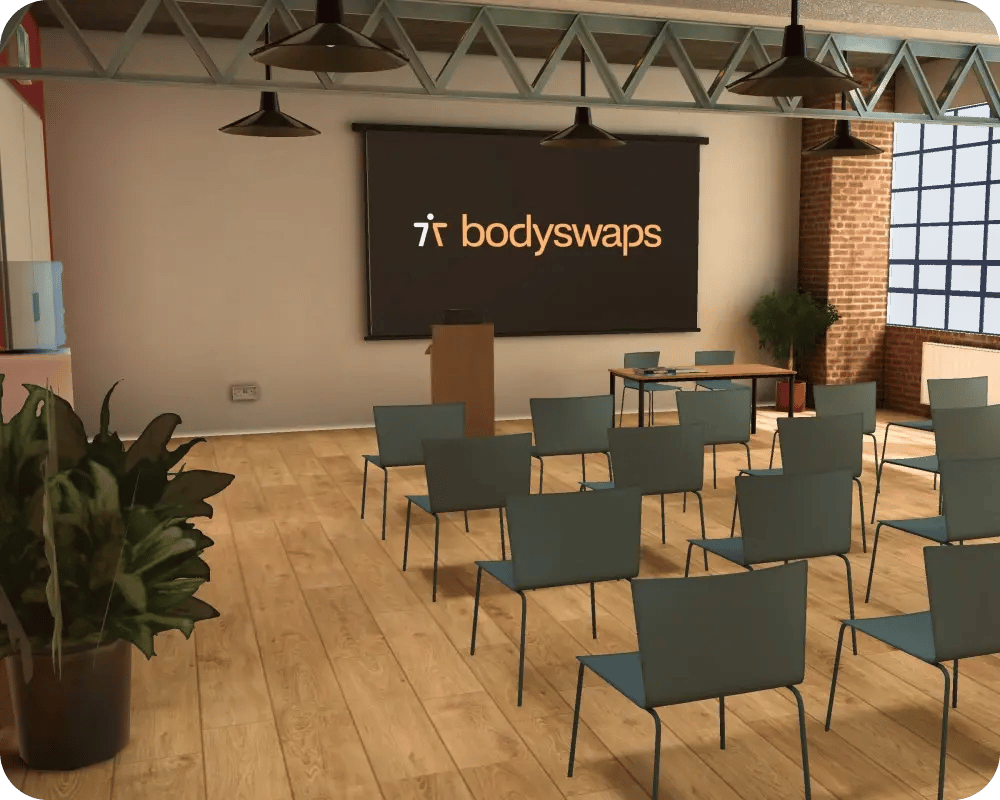
Public forum
A bright, airy public space where learners can give a speech to a small crowd.
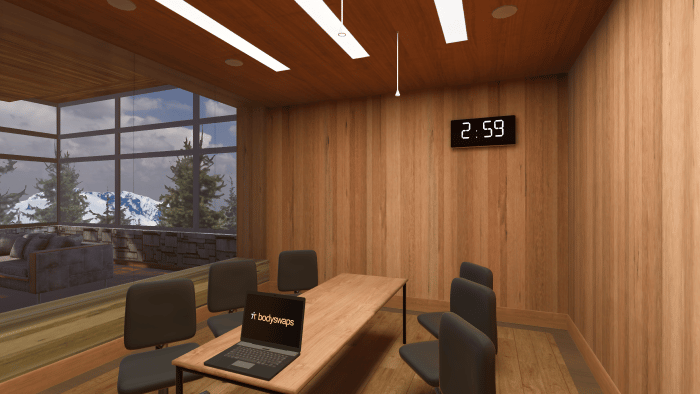
Boardroom
A small corporate space suitable for business presentations or pitches to investors.
Roleplay experience
Next, it’s time for the presentation. The MC will introduce the learner and hand the floor over to them. Once they’re finished speaking, the MC will thank them and introduce the Q&A session, if one has been set up. Otherwise, she’ll simply bring the session to a close with a round of applause.
In the Q&A session, individual members of the audience will raise their hands to ask questions. Once the learner has answered one, the next will be asked. This continues until the learner has answered all the questions, at which point the MC leads the audience in a round of applause.
At this point, the learner has the option to bodyswap with the MC to view their speech from an external perspective. During this playback, they can switch freely between several camera angles to get a full view of their performance. Whether they watch or skip this segment, the learner proceeds to the analytics feedback.
Analytics and feedback
The following skills are assessed:
- Eye contact (VR only): whether the learner made eye contact with a majority of their audience, helping to build connection and give a sense of confidence.
- Body language (VR only): whether the learner consistently used open, expressive gestures to help convey their meaning without going overboard.
- Pace: how quickly the learner spoke, measured in words per minute, and whether they spoke too fast or too slow.
- Duration: how close to the target duration the learner’s presentation ended up being.
- Filler words: how far the learner managed to avoid using filler words in their responses.
- Intonation: how far the learner varied their pitch to convey emotion and make a good impression on the audience
- Clarity: how clearly the learner spoke and how easy the audience found it to understand their points.
- Reasoning: how well reasoned and persuasive the learner’s presentation was.
Each piece of feedback consists of a brief paragraph explaining where the learner did well and where they could stand to improve, backed up by quotations from their transcript.
Alongside the LLM-generated text feedback, the learner receives an overall performance rating for each skill: Needs work, Good, or Excellent. This performance rating is based on how effectively and consistently they demonstrated the skill, as well as if they made mistakes and if they have room for improvement. More specifically, a ‘Needs work’ rating is given where there is little to no demonstration of the skill throughout the conversation, with mostly ineffectual attempts and room to improve. ‘Good’ is given where there were a few earnest and noteworthy shows of the skill, but there were also some mistakes that led to an inconsistent display. Excellent is given when there were consistently strong applications of the skill, even if there were one or two slip-ups.
You can also specify up to three custom criteria for the learner to receive further feedback on. Note, however, that they will not receive a performance rating (i.e., ‘Excellent’, ‘Good’, or ‘Needs work’) for custom criteria.