
Featured in app versions 3.6 and later.
Overview
When you log into Bodyswaps for the first time, you'll be guided through a short introduction before any activity begins. It covers four things: choosing your avatar, testing your microphone, accessing your journal, and pausing.
Once completed, it won't appear again. If you skip it or want to revisit what was covered, your journal keeps a record.
How to access
The introduction launches automatically for all new users before their first activity. There is nothing to enable or navigate to — it appears when you first enter the app.
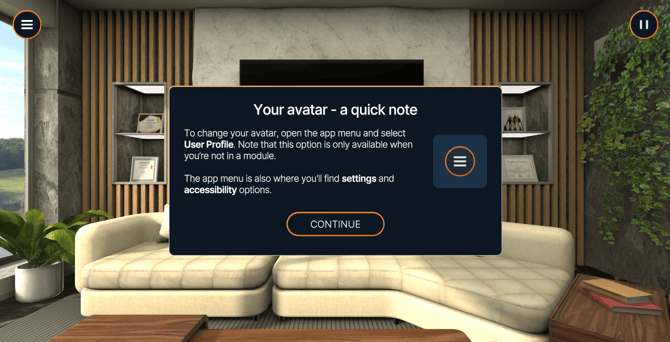
Step 1 — Pick your avatar
You'll be presented with a list of avatars to choose from. Select the one you want to represent you across Bodyswaps.
Note: Your avatar choice carries across all activities. You can change it later in your settings.
Step 2 — Test your microphone
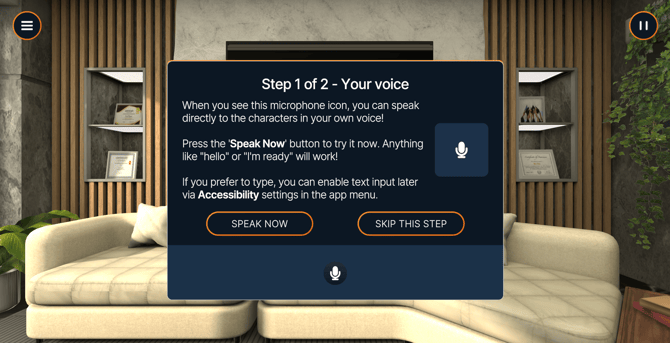
Bodyswaps uses your device's default microphone. During this step, you'll be prompted to speak — if your microphone is picking up sound, it will light up and allow you to progress.
Note: If you need to use a different microphone, you can change this in Settings after completing the introduction.
Step 3 — Open your journal
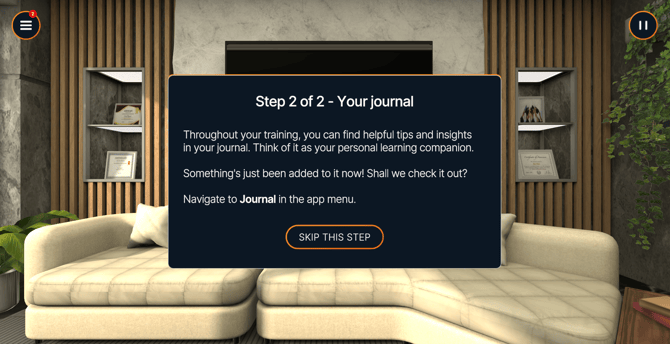
Your journal is where you can capture and revisit reflections throughout your Bodyswaps experience. During this step, you'll be guided through opening it for the first time.
To open your journal:
- VR: Flip your left palm upward
- PC & Mobile: Select Menu, then Journal
Follow the on-screen prompt to complete this step.
Step 4 — Pausing an activity
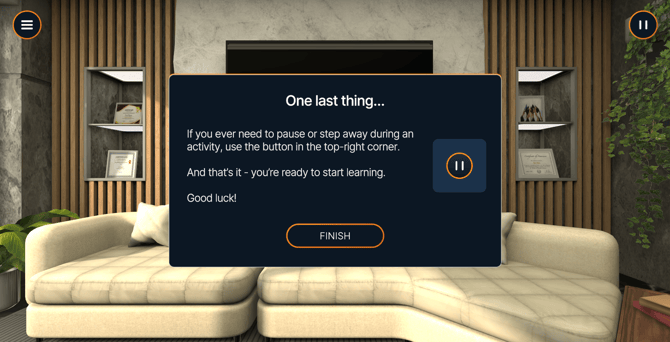
You'll be shown how to pause during an activity. The pause button is located in the top right of the screen across all platforms.
Skipping the introduction
If you'd prefer to skip the introduction, you have that option at the beginning.
Revisiting the introduction
Content from the introduction is saved to your journal. To revisit it at any time:
- VR: Flip your left palm upward to open your journal
- PC & Mobile: Select Menu, then Journal