
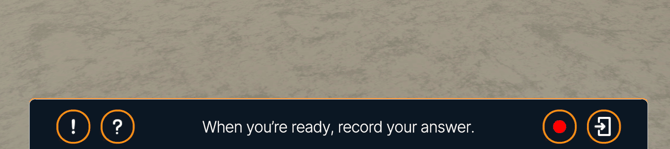
How to Report a Response
-
Locate the “!” icon in the bottom-left corner of the avatar’s response.
-
Click the “!” icon.
-
Select the reason that best describes the issue.
-
Submit your report.
That’s it — your feedback will be sent to the Bodyswaps team for review.
Report Categories
When submitting a report, you’ll be asked to choose one of the following:
-
Dangerous advice
-
Sexual content
-
Offensive content
-
Nonsense response
-
Harassment
-
Hate speech
-
Bias or misinformation
-
Other
If none of the categories apply, select Other
-1.png?width=670&height=516&name=image%20(2)-1.png)
These reports are reviewed regularly to continue to provide high quality AI-powered interactions.
Available in version 3.5.2 and later.