
Table of contents
Error in the Bodyswaps app
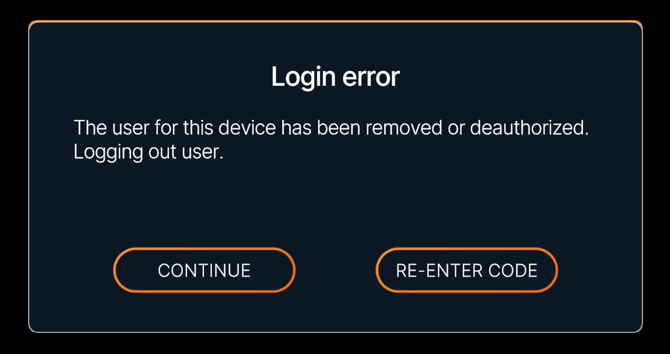
If you try to log in or start a session in the Bodyswaps app and see this message:
This means the app is no longer able to verify your access. This happens for one of two reasons:
- Your account has been deleted or archived
- Your institution's account has expired
Since this message doesn't tell you which of the two applies, contact your administrator to confirm the reason and next steps.
Error in Bodyswaps Go
If you try to log in to Bodyswaps Go and see this message:
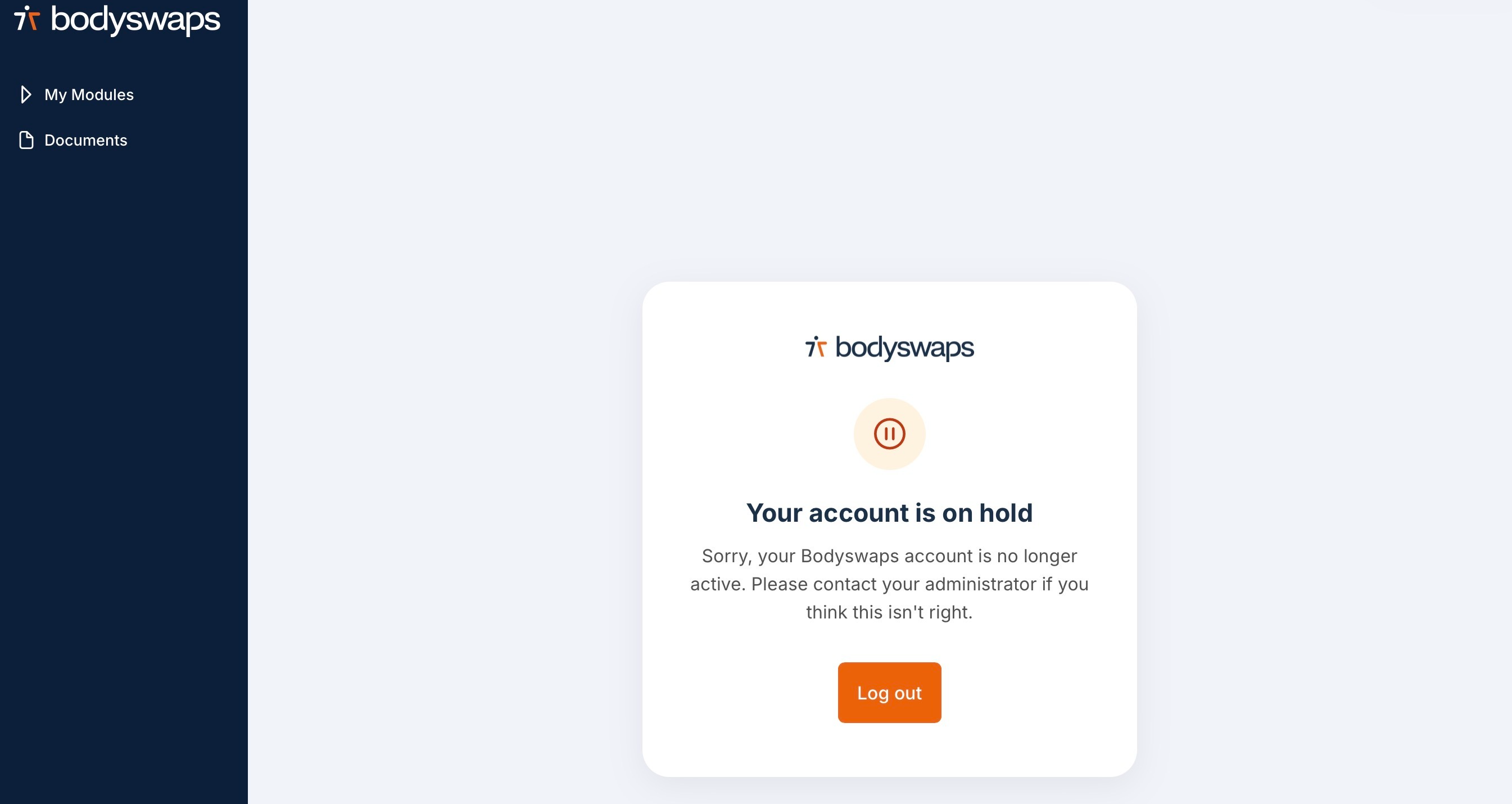
This means your account has been placed on hold or deactivated in the system. You won't be able to access your assignments or progress until this is resolved.
What to do next
If you see either message:
- Contact your administrator or facilitator directly.
- Tell them which message you saw and which platform you were using (the Bodyswaps app or Bodyswaps Go).
- If your individual account was archived or deleted, your administrator can review and reactivate it if appropriate.
- If your institution's account has expired, your administrator will need to resolve this with Bodyswaps directly — this isn't something they can fix on their end alone.
⚠️ Bodyswaps support cannot reactivate individual accounts directly — this is managed by your organisation's administrator.