
What the invitation email looks like
If your facilitator has added you to a class directly, you'll receive an invitation email rather than needing to self-enroll.
- Sender: admin@bodyswaps.co
- Subject line: Invitation from Bodyswaps: [Name of Class]
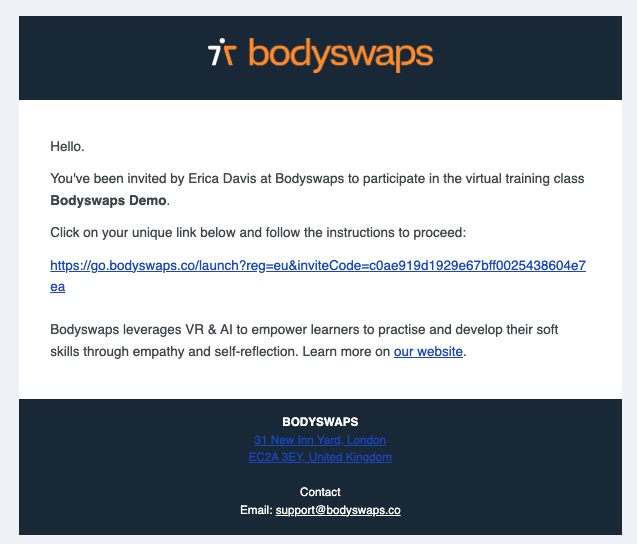
⚠️ This is different from self-enrollment. There's no form to fill out and no details to enter. You just click the link in the email.
How to join from the email
- Open the email from admin@bodyswaps.co with the subject "Invitation from Bodyswaps: [Name of Class]".
- Select the invitation link in the email.
- You'll be taken straight to the next step — no sign-up form involved.
What happens next
Clicking the link takes you to the How do you want to play?, where you'll choose between launching in your browser or generating a code for the app.
From there, continue to Browser or App Access to finish getting into your class.
Troubleshooting
- Can't find the email? Check your spam or junk folder first — invitation emails from admin@bodyswaps.co sometimes land there.
- Still nothing? Reach out to your facilitator for a new invitation.